

Welcome to the step-by-step guide that will help you gain insight into how to design a logo for your business and brand. Keep on reading to find out more.
We want you to think about every company or business you know. Has there ever been one that doesn’t have its distinct logo? Can’t think of one? That’s because every brand, major or minor, has its own unique logos.
When you’re starting up a company, one of the most challenging things is to come up with a logo. This process takes time, care, creativity, and effort. The importance of having the right one cannot be understated.
But before we jump in with the guide, there are some things you should do before even opening Adobe Illustrator.
Here’s what you should do first:
Plan Your Concept

Before you get started making your own logo on Illustrator, it is important to construct the concept of your logo and how it fits into your brand.
Remember, your logo will act as the identity of your brand and what your company represents for years to come. Here are questions to ask before you start sketching the draft of your logo:
- What is the core concept of your brand?
- What do you wish your brand to represent?
- What’s the story behind your brand?
- Are there colors that hold significant meaning to the company?
- How can you stand out from the rest of the competition?
Once you’ve found your answer and crafted the best concept, it’s time to start making the draft.
Begin the Draft
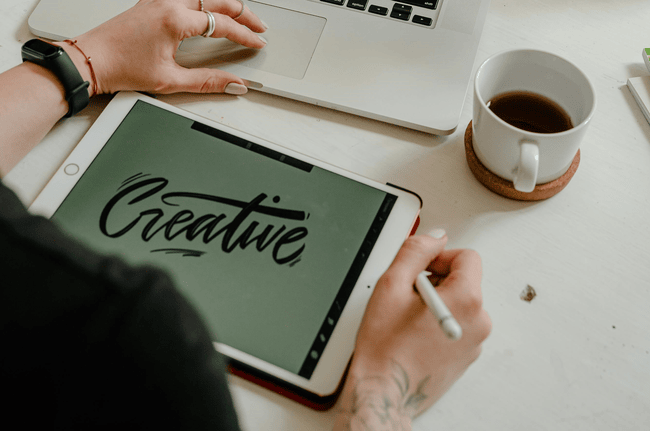
A fun part of the brand logo sticker making process, this is where you can start bringing all of your ideas to life. Whether you use paper or a tablet, don’t focus too much on making the draft perfect. Instead, you should strive to create as many ideas and concepts as possible
Don’t be afraid to go off the rails.
If you feel like you’ve exhausted all ideas and explored every avenue, put the pencil down and take a well-earned rest. Taking a step back allows you to look at your ideas from a fresh perspective after a creative high.
Rebooting yourself also allows you to see the potential in the ideas you didn’t even consider during the first draft. After you’ve refined all of your ideas and decided which one to go with, it’s time to hop into Adobe Illustrator.
Step 1: Digitize Your Sketch
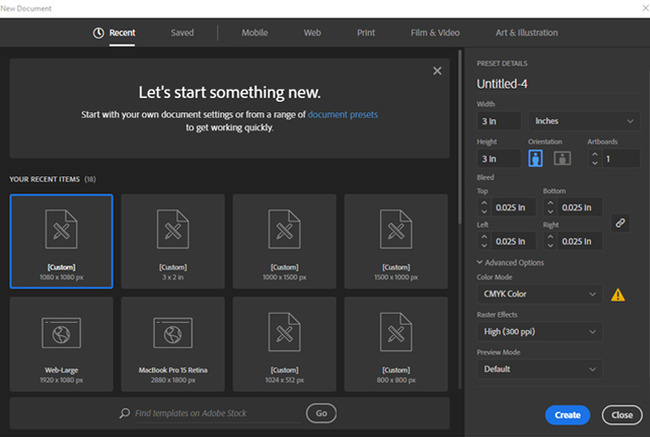
Create a new CMYK document and import your image by clicking File > Place or simply drag and drop it onto your artboard.
In the Layers Panel, rename the layer that includes your sketch. Use the opacity slider to reduce the opacity of the image, and lock the layer. Then, create a new layer on top.
Select the Pen Tool and start tracing the sketch.
Step 2: Add Color
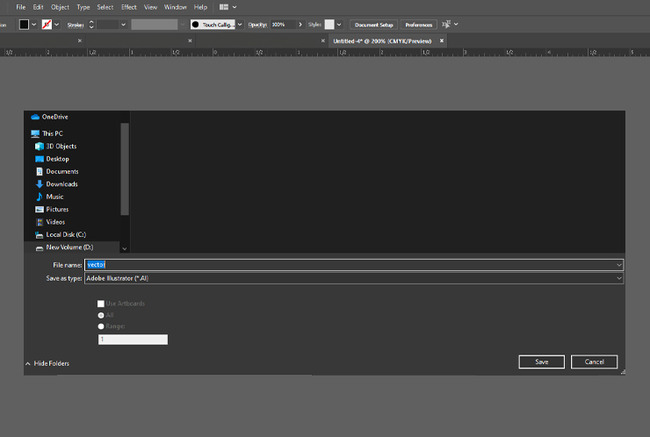
When you start adding color, make sure the colors you use make sense for the brand. Start by learning a little about logo colors, color theory, and color trends, and then select color combinations that complement each other.
Step 3: Save Your Work in Any Vector File Format
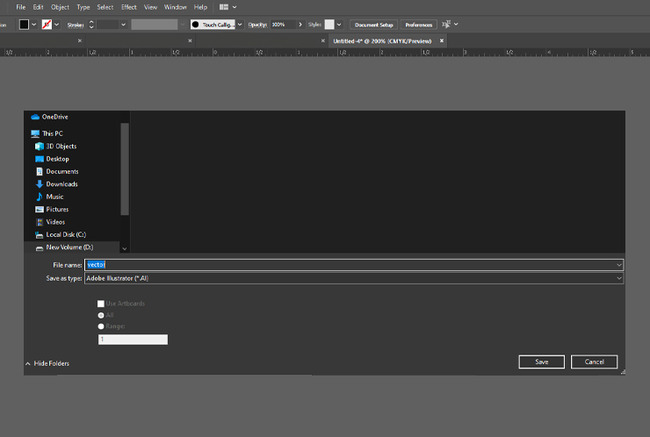
To achieve the best printing result, use any Vector File Format. You can use AI, PDF, EPS, PDF or Portable Document Format is the most common and widely used because it has an outstanding vector image format.
Step 4: Your Final Output Is Ready for Printing
Now that your logo is done, you can start putting it on promotional materials. There are several marketing strategies you can choose from. Using custom decals is a method of marketing that we highly recommend. You can create a lot of buzz for your new logo by spreading it around via sticker form.
Final Thoughts
Once you’ve created your logo with the help of our guide, we suggest that you look into strengthening your brand. Doing things like trademarking your new logo is a step in the right direction. If you want a more advanced look at making your logo designs, you should take a look at some online guides. Learn things like the fundamentals of graphic design.